
How to Search Butler County Court Records
The Butler County Clerk of Courts runs the main online portal for Common Pleas General Division, Domestic Relations Division, and Twelfth District Court of Appeals cases that started in Butler County. It is a free public search at clerkservices.bcohio.gov. The portal is a Java application that uses session data, so it needs a browser with cookies and JavaScript turned on. For county-court traffic, misdemeanor, and small claims cases, use the Area Courts CaseLook. For estates and marriage matters, use the Probate CaseLook.
Gather your details first. A case number is the surest path. For a name search, start with the last name and add a first name to narrow the list. Pick a filing year if you can.
- Open the Clerk portal and let it load fully in your browser.
- Choose a search category, such as name or case number.
- Type your most exact identifier and run the search.
- Open the matching case and read the docket, parties, and hearings.
- For a certified copy, file the Clerk Public Record Request Form or visit the Legal Division.
Both CaseLook systems show a disclaimer before the search form. Each warns that filings can take at least 24 hours to post and sometimes longer. Treat online results as a status check, not a certified record.
Butler County Court Records Search Fields
The Clerk portal supports several ways to find a case. The exact labels load through the site's script, but the common fields are steady across public Ohio CourtView systems. Use one strong identifier rather than filling every box. Many CaseLook portals search one piece of information at a time.
| Field Label | Type | Required | Notes / Format |
|---|---|---|---|
| Last Name / Business Name | Text | No | Most common starting point for a party search |
| First Name | Text | No | Pair with last name to cut false matches |
| Case Number | Text | No | Best for an exact lookup; format varies by division and year |
| Case Type | Dropdown | No | Civil, criminal, domestic relations, or appellate |
| Filing Date Range | Date | No | Narrows a broad name search |
| Date of Birth | Date | No | May be used for identity matching; not always shown publicly |
Note: a broad name search returns same-name false positives, so narrow by first name, case type, and date whenever you can.
Types of Butler County Court Records
The record type follows the court. Common Pleas General Division produces felony criminal files and larger civil files, including foreclosures, liens, and judgments. The Area Courts and the Hamilton and Middletown Municipal Courts hold misdemeanor, traffic, small claims, and lower-dollar civil cases. Domestic Relations keeps divorce, dissolution, support, and custody records. Probate keeps estates, guardianships, name changes, and marriage records. Juvenile Court keeps the most restricted files of all.
The Supreme Court of Ohio lays out this constitutional ladder, which is useful background before any search.
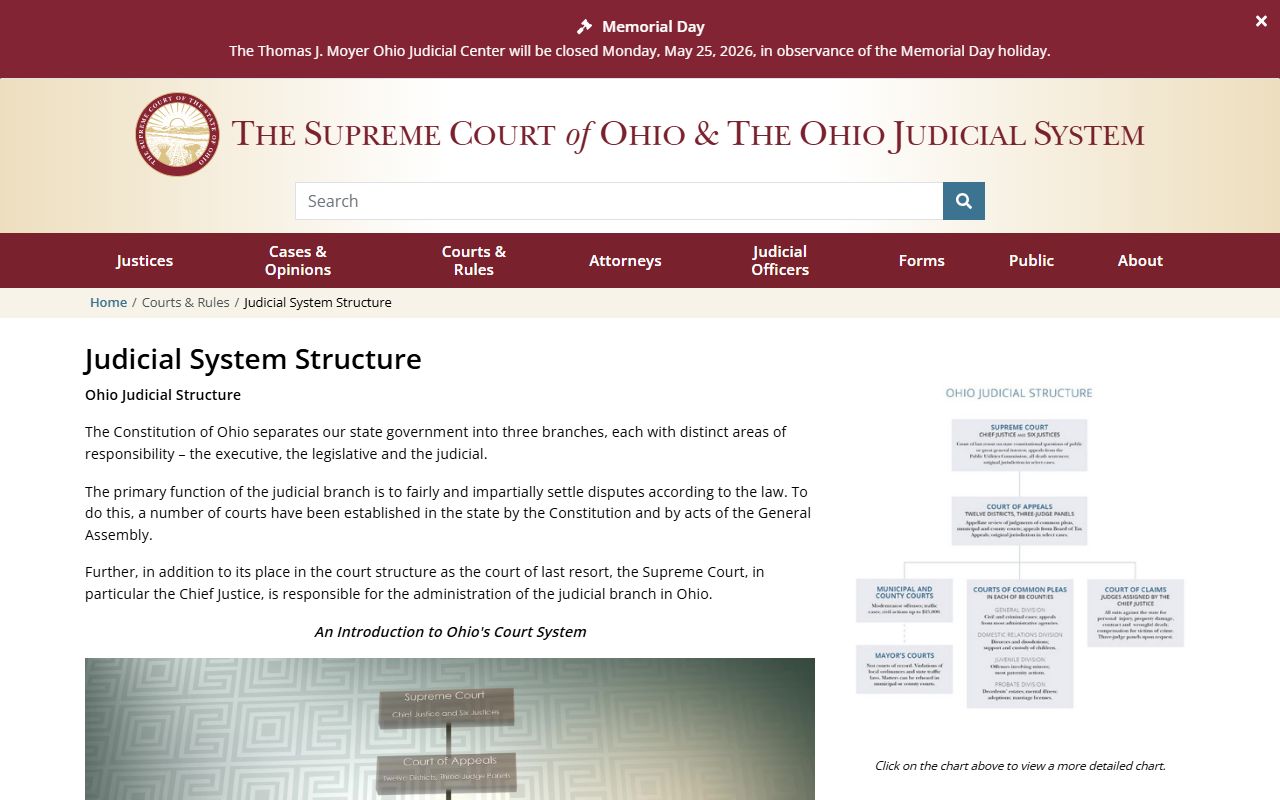
The main record groups people search are:
- Criminal cases, both felony and misdemeanor, with charge and disposition data.
- Civil cases, including contract, foreclosure, and small claims.
- Domestic relations cases, such as divorce and support.
- Probate cases, including estates and guardianships.
- Traffic cases handled by the county and city courts.
What Butler County Court Records Show
A case record reads as a chronological log, not a single page. The docket lists each filing and event in order: the complaint or indictment, service, motions, hearings, orders, and the final judgment or sentence. Criminal files add charge, plea, and disposition. Civil files add judgment amounts and any garnishment, lien, or foreclosure detail. Some entries link to a document image, but many images are limited or held back from public view.
| Field | What It Shows |
|---|---|
| Case Number | Unique court ID; use it for an exact search or copy request |
| Filing Date | Date the case opened |
| Parties & Attorneys | Plaintiff and defendant or petitioner and respondent, plus counsel of record |
| Docket Entries | Filings, motions, hearings, orders, and judgment entries by date |
| Hearings | Date, time, courtroom, and judge or magistrate |
| Disposition | Outcome: open, disposed, dismissed, or transferred |
Personal identifiers are redacted across these systems. Social Security numbers, account numbers, minor identifiers, protected addresses, and medical records should not appear in the public view.
Public Access Framework for Butler County Court Records
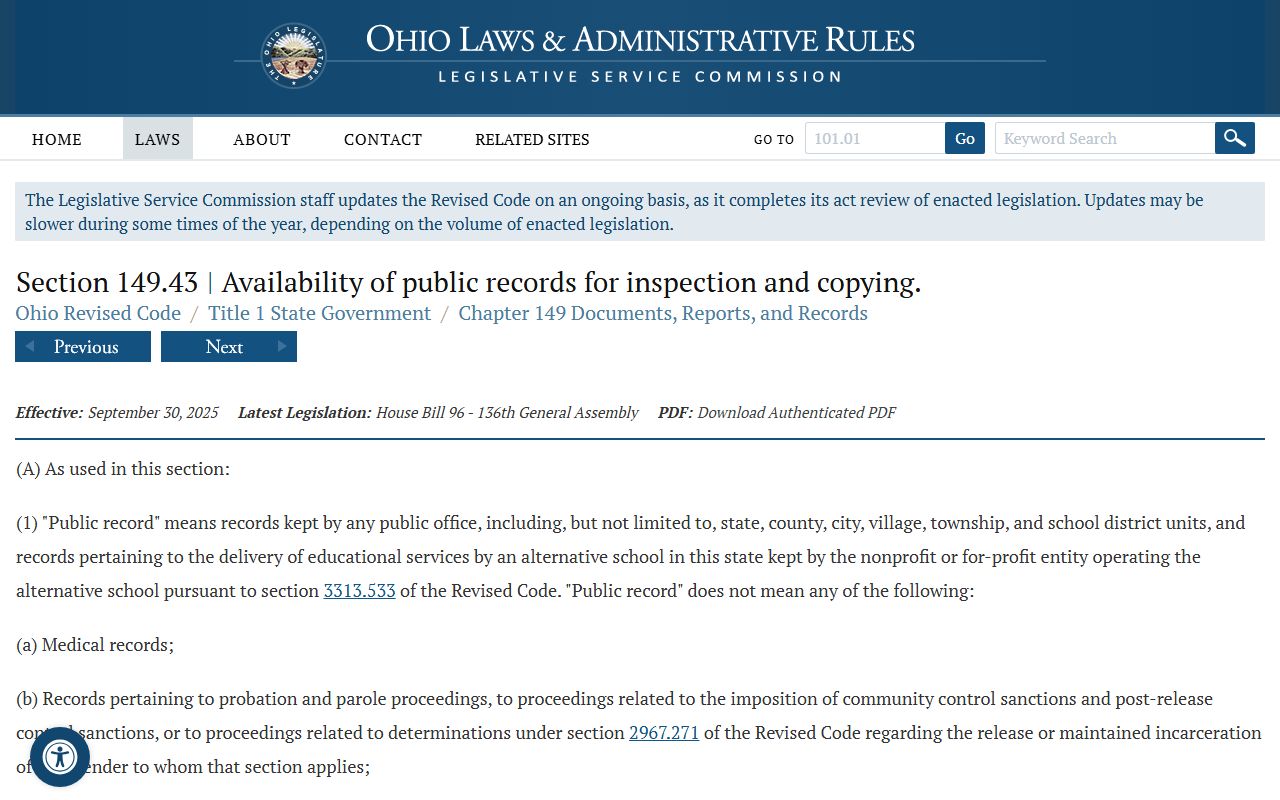
Ohio runs a dual access system. Court case records follow the Supreme Court of Ohio's Rules of Superintendence, mainly Sup.R. 44 through 47, which presume case files are open during business hours. Agency records, such as the Sheriff's reports, follow the Ohio Public Records Act, ORC 149.43. You usually do not need to explain why you want a record, and a denial must come with a legal reason.
The Public Records Act sets the prompt-inspection rule that agencies must follow.
The Ohio Attorney General also publishes a plain-language guide to the Sunshine Laws that walks through how to make a request and what an office can charge.
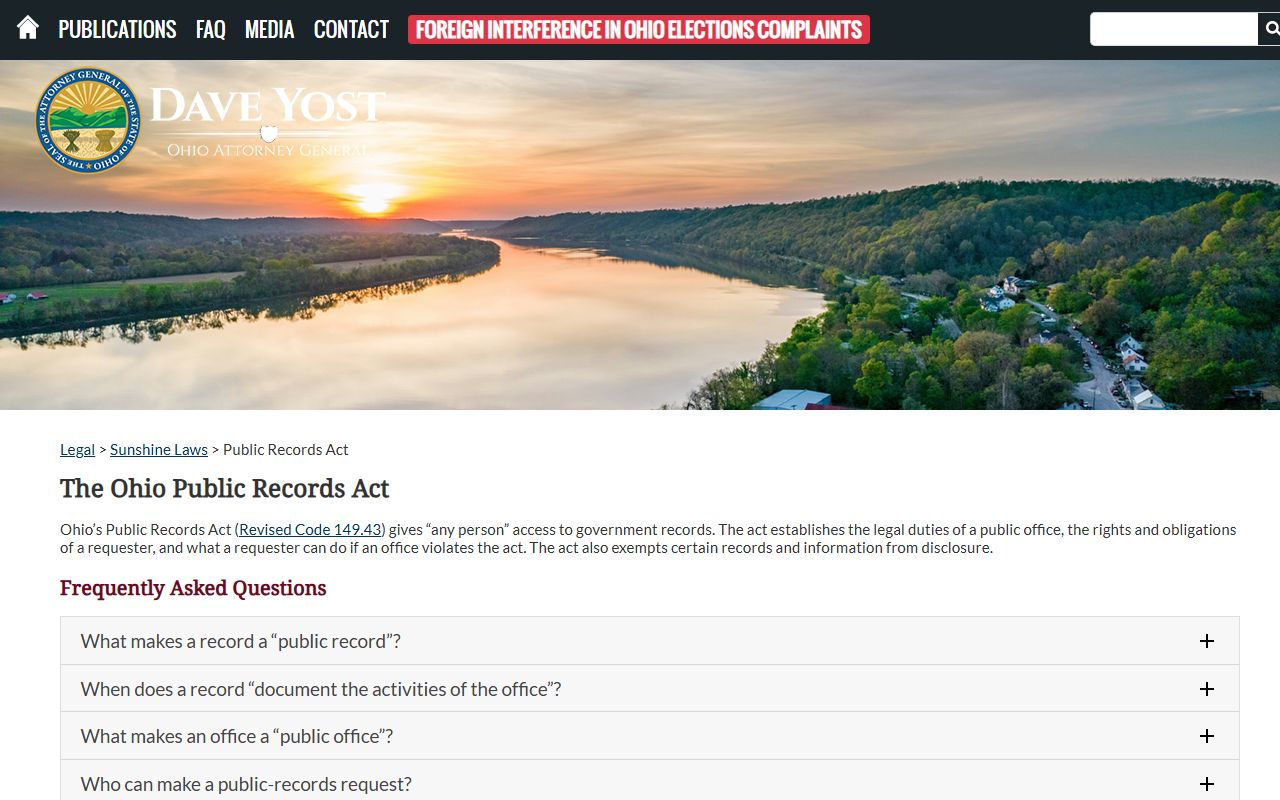
Read that guide through the Attorney General's Sunshine Laws page when you request agency records rather than court files.
Note: Court records follow Sup.R. 44 through 47, while agency records follow ORC 149.43, so the rules differ by who holds the record.
Records That Are Sealed or Confidential in Butler County
Not every case is open. A sealed or expunged criminal case drops out of public search after the court order, though courts and law enforcement may keep limited access. Juvenile records are largely closed under ORC 2151.14. Adoption files are confidential by statute, and probate mental-health proceedings are protected. Domestic relations files may show a docket entry while a child-related or financial attachment stays restricted.
To view a sealed record, you generally must be the subject of the case or hold a court order. Sealing and expungement run under ORC Chapter 2953 for adults, and you file in the court that handled the case. The Clerk can usually confirm that no public record is available, but staff may not detail a sealed file to the public.
Federal Court Records for Butler County Cases
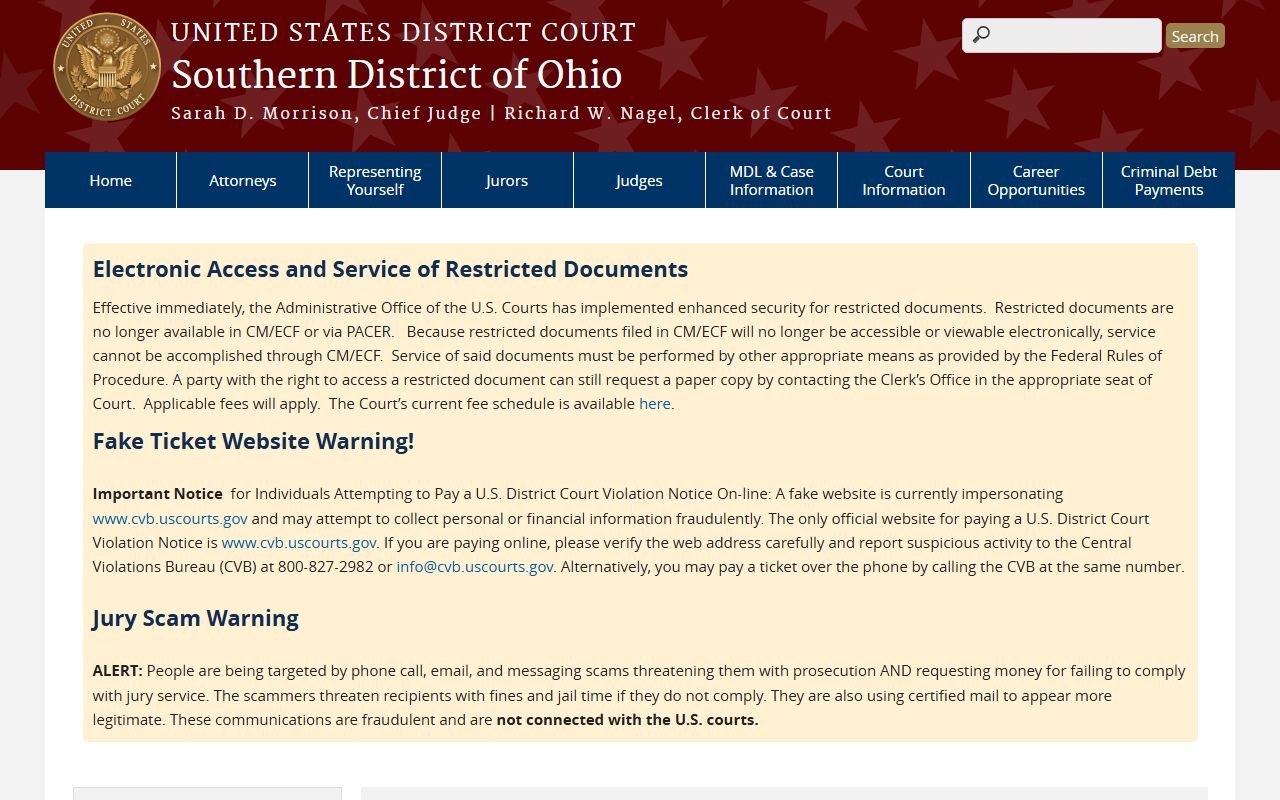
Some Butler County matters are federal, not county. Federal criminal cases, civil-rights suits, and other federal claims are filed in the U.S. District Court for the Southern District of Ohio, with court sites in Cincinnati, Dayton, and Columbus. Bankruptcy is handled by the U.S. Bankruptcy Court for the Southern District of Ohio. Appeals go to the Sixth Circuit. The official access system is PACER.
The U.S. District Court site explains filing and access for the district that covers Butler County.
Bankruptcy filings sit in a separate federal court with its own portal.
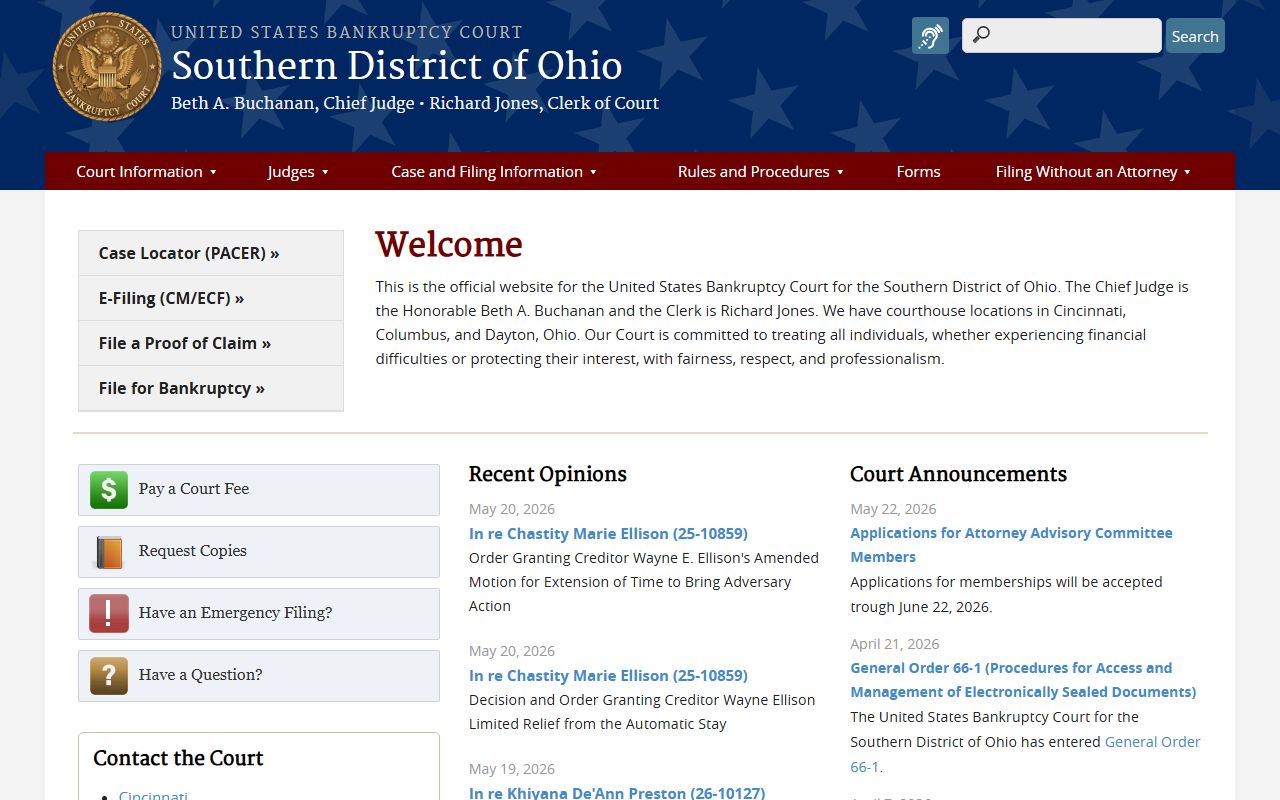
Use the District Court and the Bankruptcy Court sites to reach their CM/ECF systems through PACER. A felony arrest in Butler County usually stays in county court, so check the county docket first through the court dockets page before assuming a case is federal.
In-Person Court Record Requests
When the online portal does not show what you need, go to the counter. The Clerk of Courts Legal Division sits at 315 High Street, 5th Floor, in Hamilton. Bring the case number, the party names, the filing year, a photo ID, and a payment method for copies. Say "certified copy" if you need a record for employment, licensing, or a court filing. Clerk fees are set by statute under ORC 2303.20, and probate copy costs run under ORC 2101.16.
Butler County Clerk of Courts
315 High Street, 5th Floor
Hamilton, OH 45011
(513) 887-3278
Monday–Friday
Probate copy fees follow a separate statute, which the state publishes online.
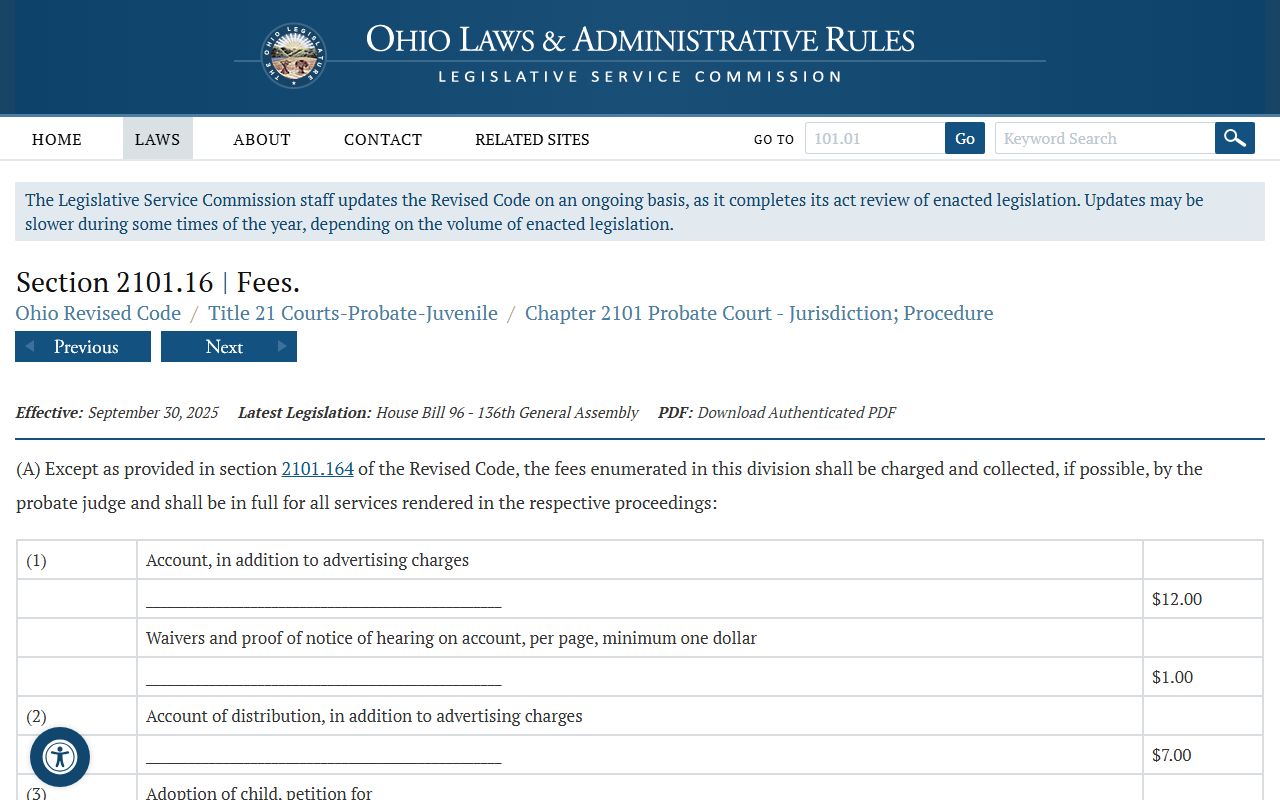
Read ORC 2101.16 for the probate fee authority, then confirm the current dollar amount with Probate Court before you pay.
Copy and Certification Levels for Court Records
Not every copy is equal. Knowing which level you need keeps you from paying for the wrong thing or, worse, showing up to an agency with a copy it will not accept. Butler County's online portals are starting points. The Area and Probate CaseLook systems even warn that their data can lag and that verified information requires contacting or visiting the court.
| Level | Best For | Where to Get It |
|---|---|---|
| View-only docket | Status, hearing dates, case numbers | Clerk eServices or CaseLook, free |
| Plain copy | Personal reference | Clerk or court counter |
| Certified copy | Employment, licensing, benefits, legal filings | Clerk of Courts, Probate, or the trial court |
| Authenticated copy | Out-of-state or formal legal use | Clerk of Courts on request |
For proof of a divorce or a judgment, ask for a certified copy of the decree or final entry. A view-only screen will not stand in for it.
Search Tips and Older Butler County Records
A few habits make a court records search go smoother. Use the exact case number when you have it; it beats a name search and avoids same-name mix-ups. For family and probate research, try both maiden and married names. For business parties, drop the punctuation if your first try fails. If a portal says it searches one piece of information at a time, do not fill every field. Run separate searches instead.
Older files take more work. Records before the online era may sit in paper, archive, or offsite storage, so the portal may show nothing even when a file exists. For those, try a broad year range first, then call the Clerk counter. If a case was sealed or dismissed, third-party sites may still show stale data, but the official court record controls. When a docket entry appears with no document image, the filing may be restricted, redacted, or simply not scanned for remote access.