
What Is a Court Docket in Butler County
A docket is a chronological log of a case. Each line records one event: a complaint filed, a summons issued, a motion, an order, a hearing set, or a judgment entry. The docket is not the full case file. The full file holds the actual documents, the motions, the exhibits, and the signed orders. The docket is the index that points to them. For most status checks, the docket is all you need.
Butler County court dockets live in more than one place. The Clerk of Courts handles Common Pleas and Domestic Relations dockets. The Area Courts and Probate Court run their own CaseLook systems. Hamilton and Middletown Municipal Courts keep separate dockets. A federal case has a federal docket. So a Butler County docket search always begins with the right court.
People use dockets for plain, practical reasons. A defendant checks the next court date. A landlord follows an eviction. A family member tracks a bond hearing. A reporter watches a civil suit. The docket gives a quick, dated picture of all of that without the cost of pulling every document. That is why the docket is usually the first stop, and the full file is the second.
How to Find Butler County Dockets Online
The Clerk of Courts portal at clerkservices.bcohio.gov covers Common Pleas General Division, Domestic Relations, and Twelfth District appeals from Butler County. The Area Courts CaseLook covers county-court traffic, misdemeanor, civil, and small claims dockets. Each is free and works best with a case number.
- Open the portal that matches the court.
- Accept the disclaimer if one appears.
- Enter a name or case number.
- Open the case and read the docket entries in date order.
The Area Courts system shows its disclaimer and continue button before any search.
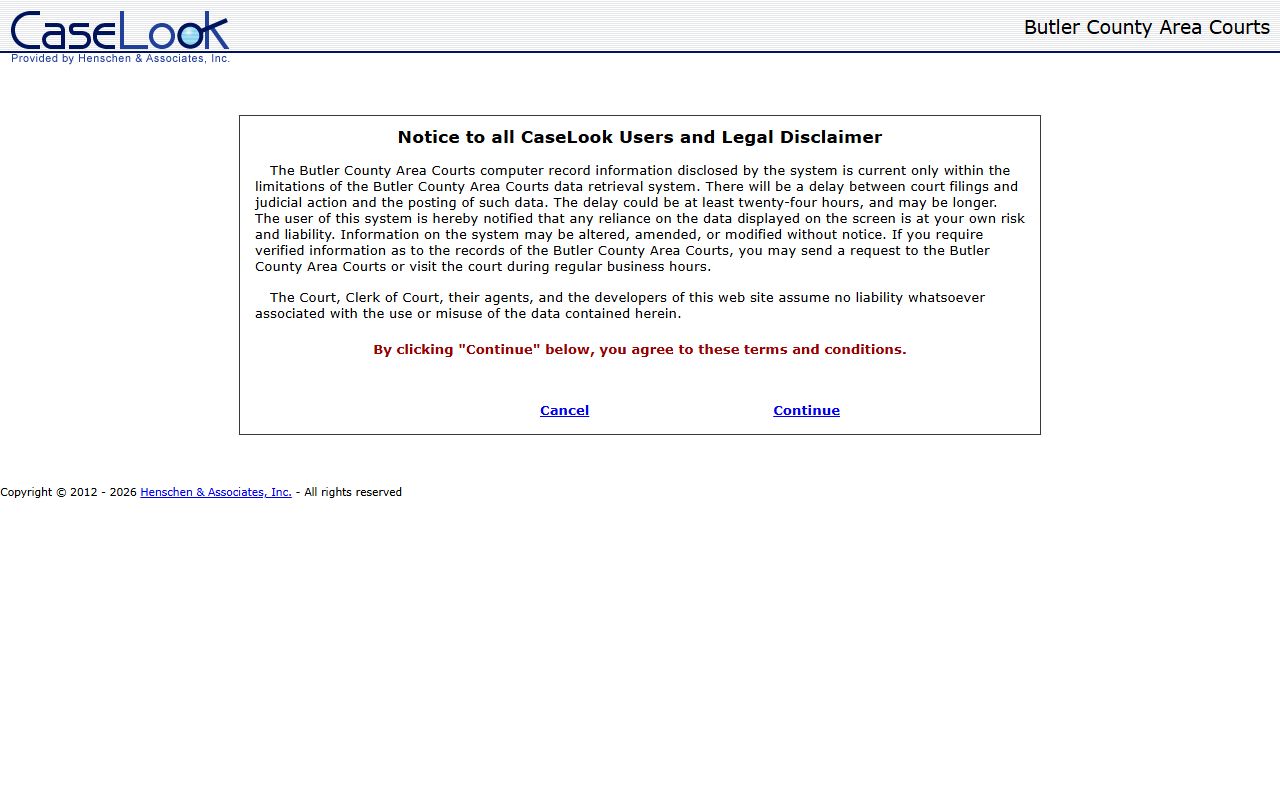
Click Continue to reach the search form, then enter a name, case number, ticket number, or file date.
Sample Butler County Docket Entry
Each docket line follows the same shape. It shows the date the event was entered, the type of event, the party or court that filed it, and sometimes a link to the document. Read top to bottom to follow a case from opening to disposition.
| Field | What It Shows |
|---|---|
| Entry Date | The date the filing or action was docketed |
| Event Type | Complaint, motion, order, hearing, judgment, or capias |
| Party Filing | Which party or the court entered the item |
| Document Link | The image if available; often limited or not posted |
Note: a docket may show that a motion was filed while the attachment stays restricted, since Ohio rules make redaction partly the filer's job.
Courts That Publish Dockets in Butler County
Not every Butler County court uses the same platform, and that shapes where you look. The Clerk of Courts posts the busiest dockets, while Probate runs its own search for estates and guardianships. Municipal courts keep separate systems for their cities.
- Clerk of Courts eServices, for Common Pleas and Domestic Relations dockets.
- Area Courts CaseLook, for county-court traffic, misdemeanor, and small claims dockets.
- Probate Court CaseLook, for estate, guardianship, and marriage dockets.
- Hamilton and Middletown Municipal Courts, each with its own docket.
The Probate CaseLook disclaimer explains the data limits before you reach the search form.
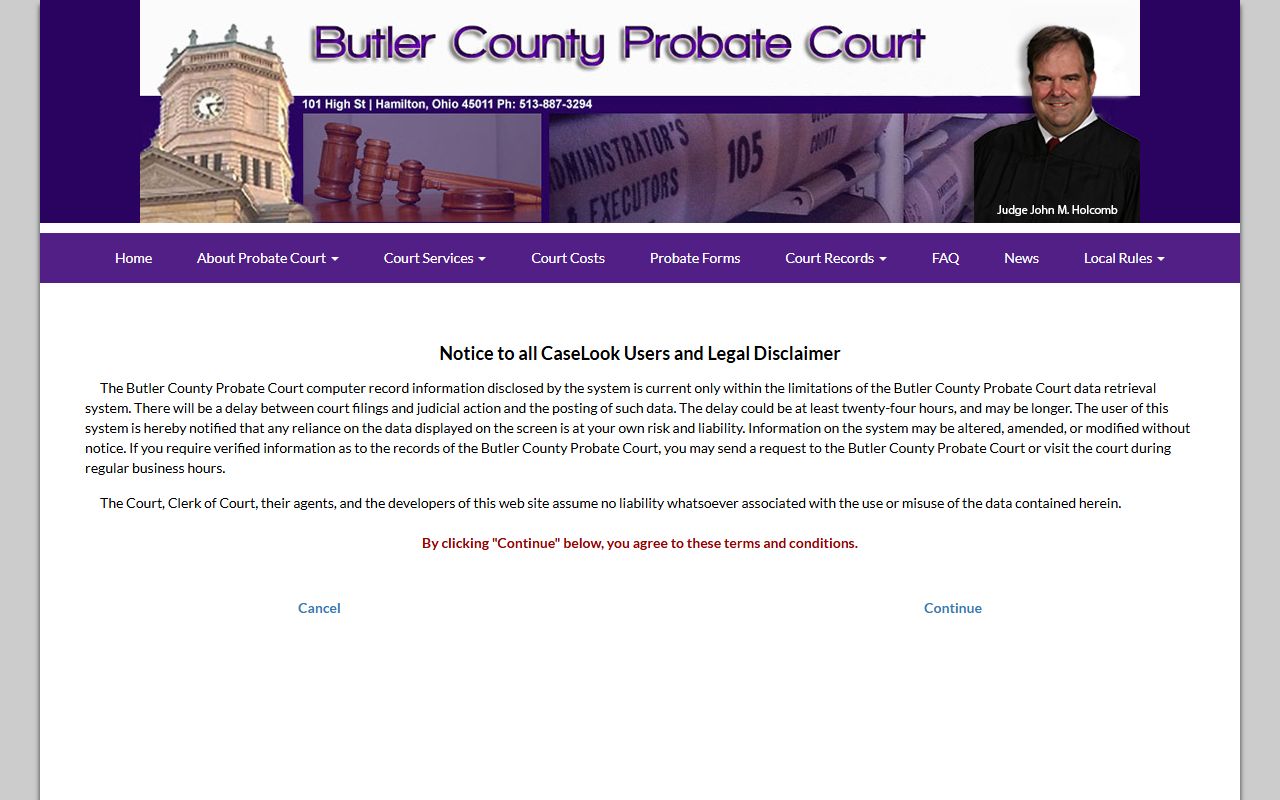
That same disclaimer warns that posting can lag a filing, which matters when a hearing is close.
Posting Delays in Butler County Court Dockets
Online dockets are current only within each system's limits. The Area Courts and Probate CaseLook disclaimers both state that there is a delay between a filing or judicial action and when it posts. That delay could be at least 24 hours and may be longer. The Clerk eServices portal is the practical Common Pleas tool, but it can trail recent activity too.
The jail roster, by contrast, updates every 30 minutes, so a person may appear in custody before a court docket shows the new case. When timing matters for a bond, a hearing, or a release, confirm by phone or in person rather than trusting a screen alone.
Docket vs. Full Case Record
The docket and the case file are not the same thing. The docket lists events. The case file holds the documents behind those events. Knowing the difference tells you whether a quick online check is enough or whether you need to request copies.
| Docket | Full Case Record | |
|---|---|---|
| Format | List of dated entries | Full documents and orders |
| Access | Often online and free | May require a fee or a visit |
| Use | Track case progress | Legal review and evidence |
| Certified? | No | Yes, when issued by the clerk |
For a certified copy of a judgment or decree, request it from the Clerk of Courts or the court that holds the file.
How to Read a Butler County Docket
Criminal and civil dockets read differently. A Common Pleas criminal docket can show indictment, arraignment, bond, plea, motions, continuances, a capias if the defendant missed court, the plea or sentencing entry, and any appeal. A civil docket can show the complaint, summons, service return, answer, a motion for default, a magistrate decision, the judgment entry, and then garnishment or satisfaction. A domestic relations docket adds temporary orders, parenting affidavits, mediation, a guardian ad litem appointment, the decree, and post-decree motions.
Common terms trip up new users. "Capias" is an Ohio word for a warrant or arrest order after a missed date. "Disposition" is the outcome. "Continuance" is a postponement. "Community control" is supervision similar to probation. If you see a capias, a bench warrant, or a failure-to-appear entry, the case has an active issue that should be addressed with the court.
A short glossary helps when the entries pile up.
- Entry
- The court's written order or a docketed action.
- Continuance
- A postponement of a hearing or trial.
- Capias
- An Ohio order to arrest after a missed court date or noncompliance.
- Disposition
- The outcome of a charge or the whole case.
Hearing Dates and Case Status in Butler County Dockets
One of the most common reasons people pull a Butler County docket is to find a hearing date. A docket hearing line shows the date, the time, the courtroom, and the judge or magistrate. It may also flag the hearing type, such as a pretrial, a motion hearing, a sentencing, or a final divorce hearing. Because postings can lag, call the court to confirm a date before you rely on it, especially if the case is moving fast.
Case status is the other key field. A status of "open" or "pending" means the case is still active. "Disposed" or "closed" means the court has resolved it, though post-judgment activity can still follow. "Dismissed" ends the case, with or without the chance to refile. "Transferred" means the case moved to another court, which happens when a felony complaint bound over from an Area Court reaches Common Pleas after indictment.
Watch the financial lines too. A docket can show court costs, fines, restitution, a bond amount, and any unpaid balance. In a civil case, the docket may record a judgment amount, a certificate of judgment, a garnishment, and a later satisfaction entry once the debt is paid.
Federal Dockets for Butler County Cases
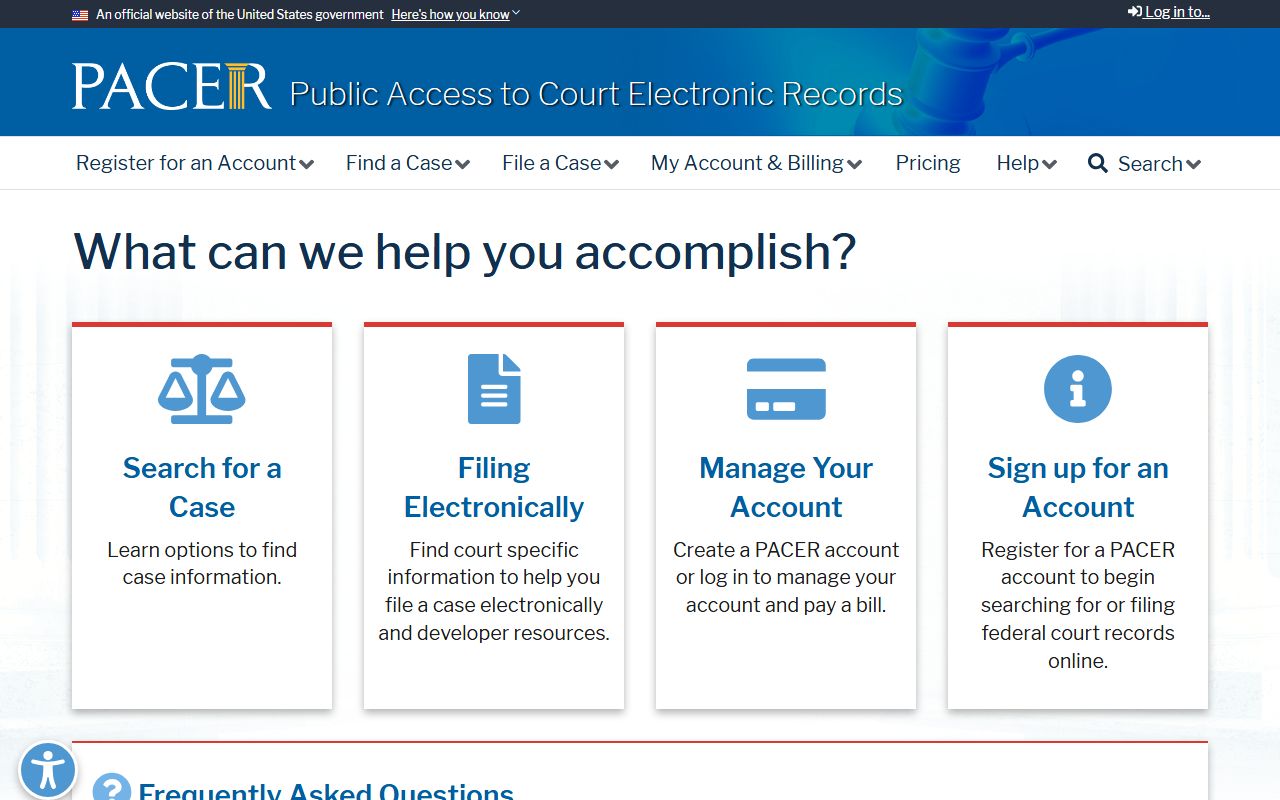
Federal cases tied to Butler County do not appear in the county portals. They sit in the U.S. District Court for the Southern District of Ohio, with appeals to the Sixth Circuit. The official access system is PACER, which charges per page with quarterly fee waivers below a set threshold.
PACER is the gateway to federal dockets and the individual court CM/ECF systems.
Appeals from the district court move to the federal appellate court that covers Ohio.
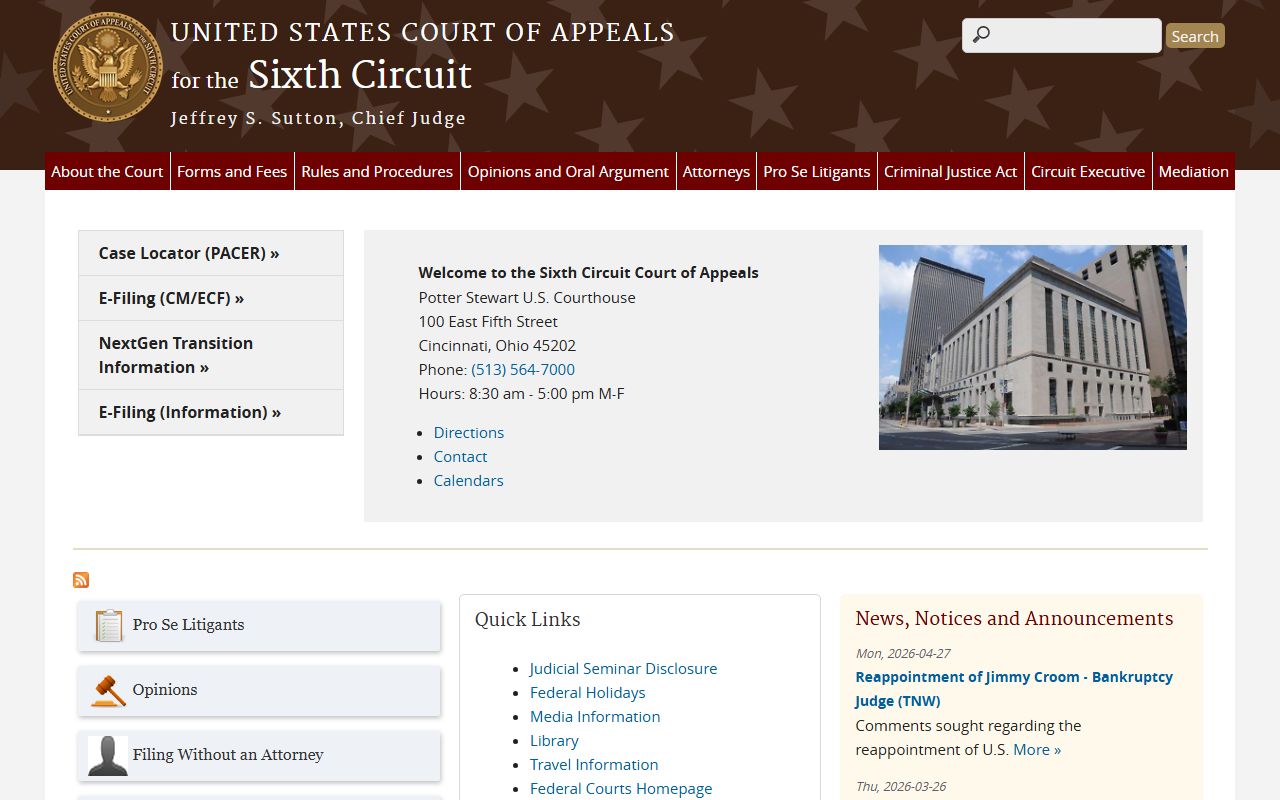
Use PACER for official dockets and the Sixth Circuit site for appellate cases. CourtListener offers free copies of some federal dockets, but it is not the official source.
Certified Docket Copies and Verification
An online docket view is a convenience record, not a certified one. If you need proof of a filing, a judgment, or a disposition for an employer, a licensing board, an immigration matter, or another court, you must request a certified copy. The Clerk of Courts certifies Common Pleas and Domestic Relations records. Probate Court certifies its own estate and marriage records, and the Area and Municipal Courts certify their own dockets.
Bring the case number, the party names, and the filing year to speed the request. Ask for a "certified copy" of the specific entry you need, such as the judgment entry or the final decree. The Area and Probate CaseLook systems state plainly that verified information requires contacting or visiting the court, so do not treat a printout of a docket screen as an official document.
When in doubt about which office holds the file, match the case type to the court. Felony and large civil dockets sit with the Clerk. Estates and guardianships sit with Probate. County traffic and misdemeanor dockets sit with the Area Courts. Sending the request to the right custodian the first time avoids a wasted trip.